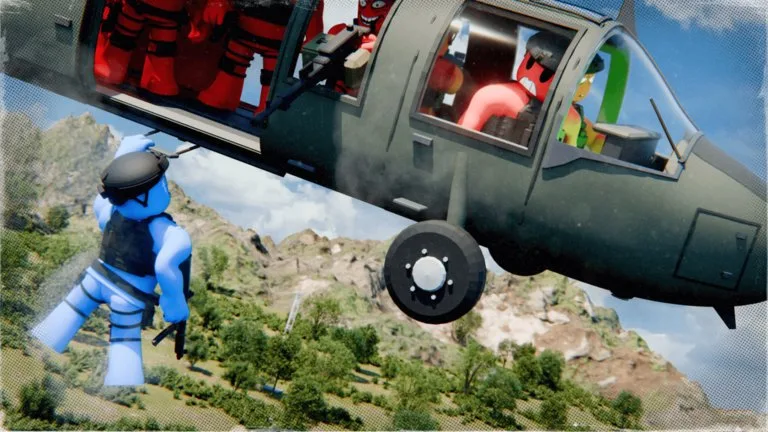
Ragdoll Wars! confirms a battle-director control set. It does not confirm a published keyboard layout for walking, jumping, or shooting as a possessed soldier. If a prompt appears on your screen, follow that prompt. Do not invent a missing key.
Controls you can rely on
| Control | What it does | When to use it |
|---|---|---|
| Place units | Adds soldiers, vehicles, structures, or support to Blue or Red | Before the fight, or after a reset |
| Box select | Drag the left mouse button over soldiers to select a group | Inspect or organize a formation |
| Pause | Freezes the fight | Check lanes, cover, and who is still standing |
| 0.5x speed | Slows movement, hits, and ragdoll reactions | Diagnose one exchange |
| 1x speed | Normal battle pace | Judge the overall result |
| 2x speed | Speeds a crowded fight | Only after the baseline is already clear |
| Cinematic and first-person views | Change how you watch | Inspect a blast or a vehicle, then return to the wide view |
Team colors visible in setup include Blue and Red. Yellow and Green are also described as alternate pairings. Color does not grant a confirmed strength bonus. Swap sides if you want a fair rematch.
A short control drill
- Place four Soldiers on Blue and four on Red with open ground between them.
- Start, then pause at the first shot. You should still know which side fired.
- Box-select the Blue group. If the box grabs the wrong side, pause and select again before you move anyone.
- Resume at 0.5x until the first ragdoll fall, then return to 1x.
- Switch to a cinematic or first-person view for one moment, then switch back. The view is not a weapon upgrade.
What is not a confirmed bind
WASD movement, Space to jump, a mobile thumbstick, and a controller stick layout are standard Roblox habits. They are not documented as Ragdoll Wars! soldier controls. A player question about climbing inside a soldier to aim and shoot was answered with box selection and the tutorial, not with a possession mode. Until the game shows that prompt, treat possession as unknown.
Vehicle entry is also unconfirmed as a player-driving mode. Humvees are shown carrying troops into a fight. That confirms transport, not a steering tutorial. Helicopter flight controls, speed, and weapons are unpublished.
If an input seems dead
Check whether the battle is paused, whether you selected units, and whether the current menu is the deployment screen rather than a Shop tab. Change one setting at a time. The experience has also had availability interruptions; if the place will not launch, check the official game page before rebinding a device.